Introduction
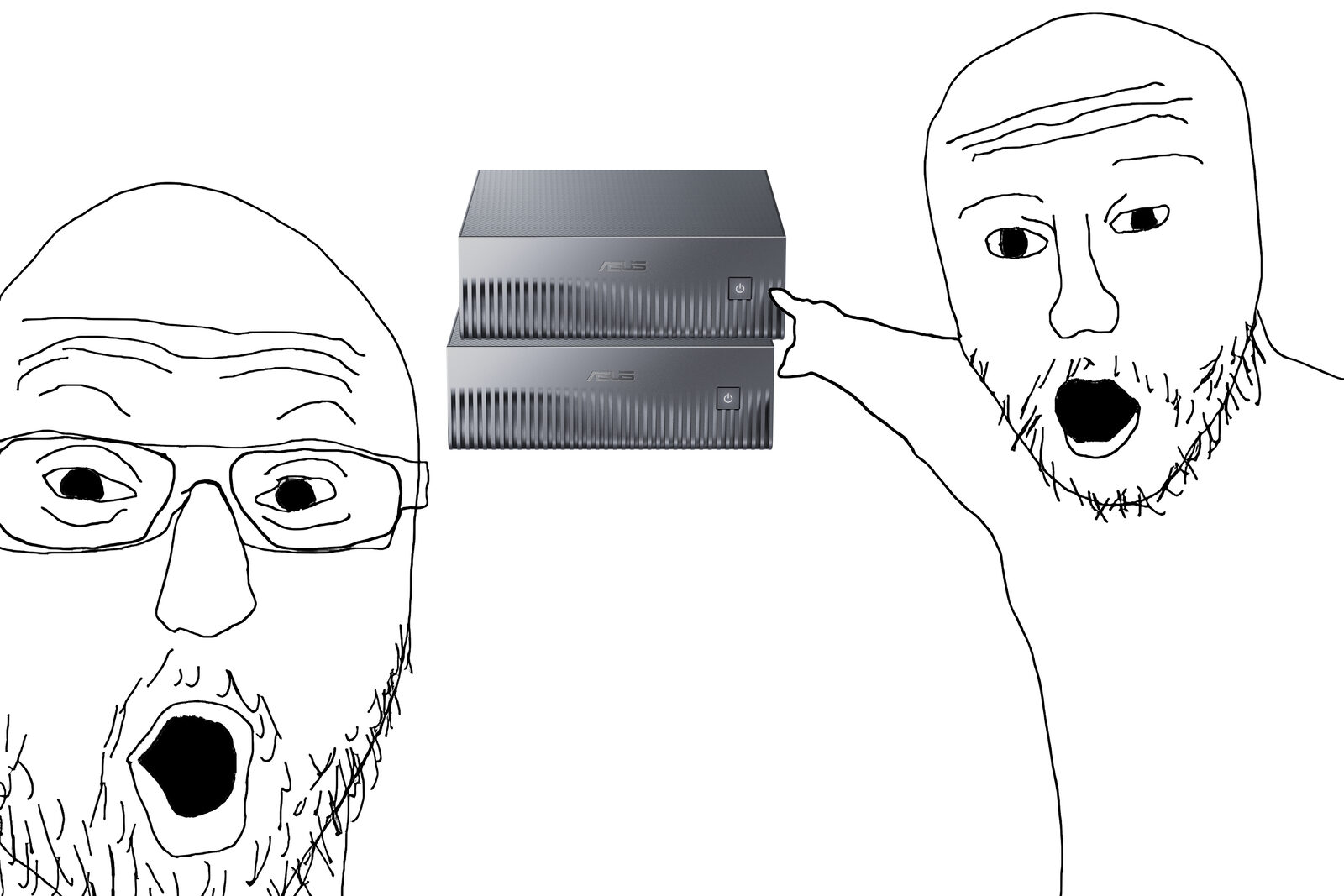
For the past few months I’ve been playing around with open source AI models that run locally. I recently received my second DGX Spark (Asus GX10), which I ordered back in March before the price hikes, and I now have a cluster at home that supports up to 1M tokens of context. Since I am now happy with my setup, I decided to write a post about it.
Why I am doing this
This is not a guide on how to replace cloud subscriptions. Doing this is much more expensive and a lot more work than most people are willing to admit. If your goal is to completely replace frontier models, you might be disappointed.
That said, I think there are a few compelling reasons to own your AI infrastructure:
- It’s private: Your local model might not be the sharpest tool in the shed, but it is loyal and doesn’t train on your sensitive information. I am not claiming that frontier labs are doing this, but the truth is we don’t know.
- It’s the future: Regardless of whether models keep improving or not, it’s clear that this tooling is very useful when used responsibly. I do think that software engineers will at some point be expected to run and operate their own models.
- It’s fun: Perhaps the most honest reason on this list. As a DevOps engineer, I find owning and maintaining my own AI lab fun, not a chore. The hardware is also useful beyond AI: the Sparks have ConnectX-7 ports, so I can run experiments with different kernel modules on datacenter-grade NICs at home.
That’s how I rationalized my expensive purchases. Whether it’s worth it is up to you, but think twice before spending your hard-earned money.
The setup
- Two DGX Sparks (ASUS GX10) serve one large model with vLLM, split across both machines.
- A Lenovo ThinkCentre Tiny M910q, an old used office mini PC, runs NixOS and hosts the agent in a disposable microVM.
The Sparks: why DGX OS and not NixOS
Everything else in my homelab runs NixOS, so my first plan was to put the Sparks on NixOS too. That turned out to be more complicated than I expected, and I was too impatient to finish it. DGX OS ships NVIDIA’s own kernel for the GB10 and pins the older 580 driver branch, and they are tested together. On NixOS I’d have to build both myself. It’s still a work in progress that I intend to get back to at some point.
Also, vLLM runs in Docker anyway, so the host only needs a working driver, the network link and Docker. Ansible is enough for that. The downside is that I don’t get NixOS rollbacks. Instead, the playbooks pin the driver to the 580 branch and stop if the two Sparks don’t have the same kernel, driver and firmware. These are the main roles:
| Role | Does |
|---|---|
integrity | Fails unless both Sparks match (kernel, driver, firmware) |
ssh_access | Key-only SSH for a single user, no root login |
headless | Boots to the console instead of GNOME |
tailscale | Joins the tailnet |
cluster | Configures the QSFP link between the Sparks |
hf_models | Downloads the model weights |
vllm_service | Runs vLLM as a systemd unit |
Making two Sparks act as one
The model I run (DeepSeek V4 Flash) is about 168 GB, and each Spark has 128 GB of memory, so it doesn’t fit on one. vLLM splits it across both machines with tensor parallelism (TP=2), which means every token generated needs the two GPUs talking to each other. That’s why they have to be identical, and why the link between them matters. The DGX Spark Handbook by 0xSero and EXO Labs explains how this scales in much more detail.
The Sparks are connected directly with a QSFP cable. spark-vllm-docker has instructions for setting up the link: each QSFP port shows up as two “twin” interfaces, and to get the full 200 Gb/s you need both, each in its own subnet with jumbo frames. The cluster role is just a declarative version of those instructions, as a netplan config:
network:
  version: 2
  ethernets:
    enp1s0f1np1:
      mtu: 9000
      addresses: [192.168.177.1/24]
    enP2p1s0f1np1:
      mtu: 9000
      addresses: [192.168.178.1/24]
The cluster role also runs an RDMA benchmark (ib_write_bw) on both twins at once and fails if the total is below 160 Gb/s. It’s worth having, because the link can fail silently: if you plug in the cable while the Spark is running, the NIC can get stuck throttled at around 13 Gb/s per twin with no errors anywhere. A reboot with the cable connected fixes it.
For serving, I use spark-vllm-docker, which handles starting vLLM on both machines. I wrapped it in a plain systemd unit on spark-1, which starts the container on spark-2 over SSH:
[Service]
ExecStart=/home/nick/spark-vllm-docker/run-recipe.sh recipes/deepseek-v4-flash-vision-exp.yaml
# Stops the containers on both nodes
ExecStop=/home/nick/spark-vllm-docker/launch-cluster.sh stop
Restart=on-failure
RestartSec=30
The result is an OpenAI-compatible API on spark-1:8000 that anything on my tailnet can use.
How fast is it?
These numbers come from one day of using the agent with DeepSeek V4 Flash, not a benchmark. A typical request generates at around 46 tokens/s. This is partly thanks to speculative decoding, which produces about 3.3 tokens per step instead of one.
| Decode speed (median request) | ~46 tok/s |
| Decode speed (slowest 10%) | ~23 tok/s or less |
| Prompt size (median request) | ~148k tokens |
| Prompt served from cache | 99% |
| Time to first token (median) | 1.8 s |
The context is large: the median request was around 148k tokens, because the agent sends its whole conversation every turn. 99% of those prompt tokens were served from vLLM’s prefix cache, and the median time to the first token was 1.8 seconds.
The ThinkCentre
The agent itself doesn’t need a GPU, since the Sparks do all the inference. Its host just needs to run one VM and stay on all the time, and a used ThinkCentre Tiny is cheap, quiet and barely uses any power. It also has Intel vPro/AMT, which gives me remote KVM access even when the OS is broken, so I only allow SSH over Tailscale.
I did consider Proxmox so I could get a fresh VM every time, but microvm.nix already gives me that, so it runs plain NixOS. The host, the VM and even the installer ISO all live in a single flake.
The agent
The agent is opencode, running headless inside the VM. Its config is generated from Nix and points at the vLLM server on spark-1. I expose the same model twice, with and without thinking, so I can pick between a slow, careful mode and a fast one:
permission = "allow";  # yolo mode
provider.vllm-local = {
  npm = "@ai-sdk/openai-compatible";
  options.baseURL = "http://spark-1:8000/v1";
  models = {
    deepseek-deep.options.chat_template_kwargs = {
      thinking = true;
      reasoning_effort = "high";
    };
    deepseek-fast.options.chat_template_kwargs.thinking = false;
  };
};
On top of it runs Paseo, which gives me a web UI for my laptop and phone. It’s only reachable over the tailnet.
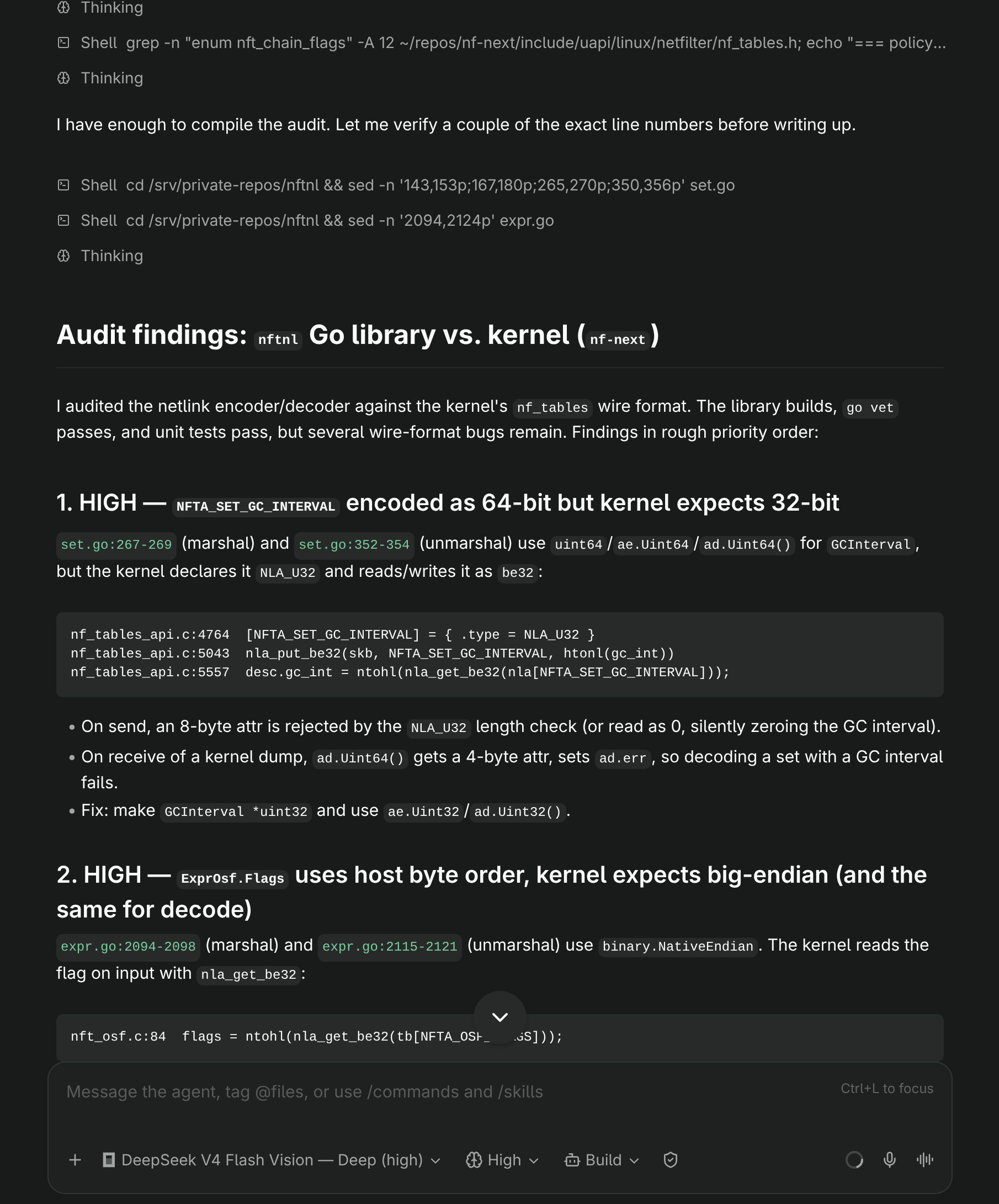
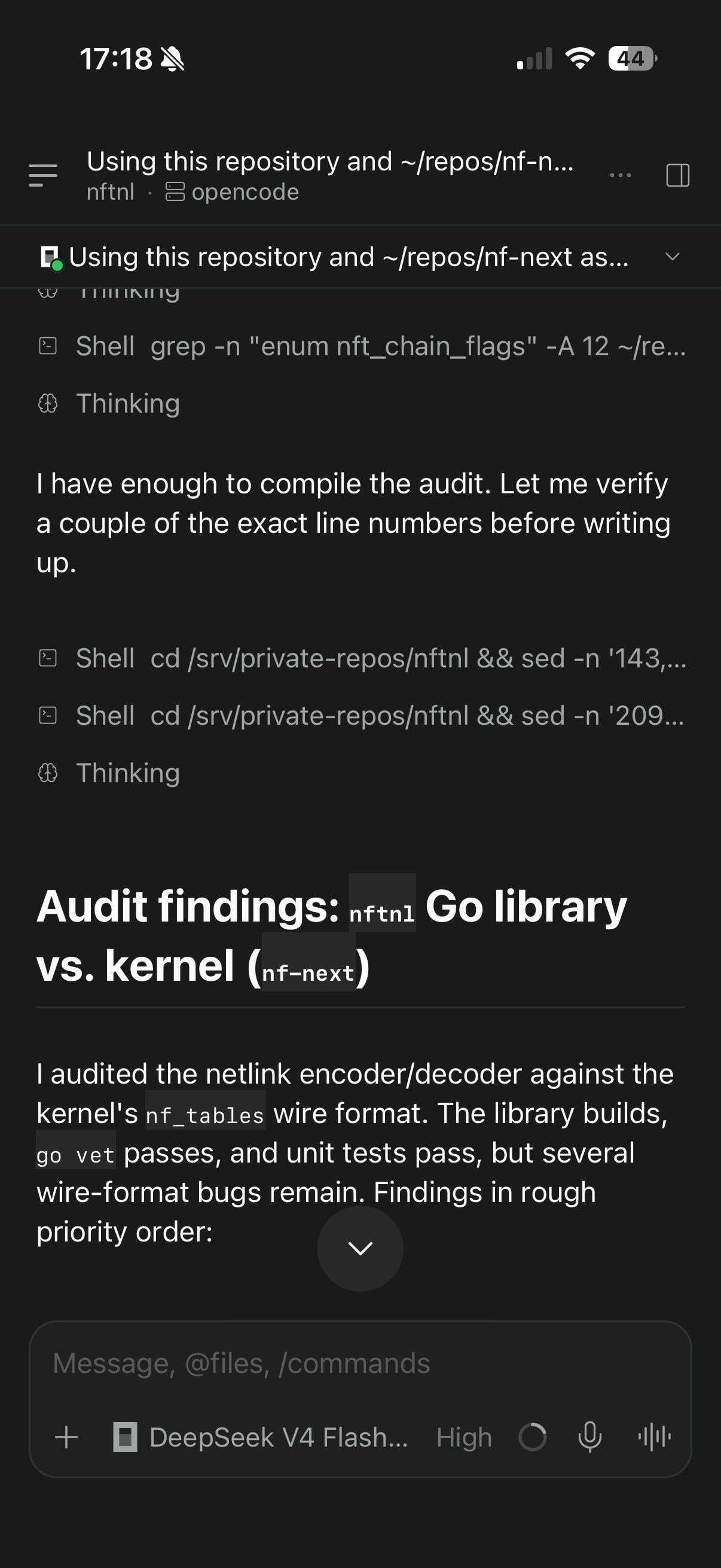
One downside: Paseo doesn’t support the latest opencode yet, so I’m using the previous version until it does. These tools change very fast.
The sandbox
The agent can run any command without asking me. That sounds dangerous, but it’s fine because the VM is the security boundary. Inside it, the agent has passwordless sudo and Docker.
The VM is built with microvm.nix. Its root filesystem is a read-only image built from my config, so it’s identical on every boot. The Nix store gets a writable layer on tmpfs, which means the agent can install whatever tools it needs and they’re gone after a restart:
microvm.writableStoreOverlay = "/nix/.rw-store";
fileSystems."/nix/.rw-store" = {
  device = "tmpfs";
  fsType = "tmpfs";
  options = [ "size=4G" ];
  neededForBoot = true;
};
Some things should survive a restart though, like the agent’s session history. That lives on the host and is shared into the VM over virtiofs.
Working on my repos
The repos the agent works on are shared the same way, but the VM never clones anything itself. The host does it: a systemd timer clones each repo shortly after boot and pulls it once a day. Adding a repo is one line:
[
  { name = "nftnl"; owner = "nickgarlis"; }
  ...
]
Each repo then gets its own read-write virtiofs share and shows up in ~/repos inside the VM:
shares = map (repo: {
  proto = "virtiofs";
  tag = "repo-${repo.name}";
  source = "/var/lib/repos/${repo.name}";
  mountPoint = "/srv/repos/${repo.name}";
}) repos;
virtiofs passes file ownership straight through, so the host chowns the repos to UID 1000, the same UID the agent has inside the VM. Otherwise the agent can read the repos but not write to them.
Since the agent has no credentials, it can create branches and commit as much as it wants, but it can’t push. A skill (a markdown file with instructions the agent follows) tells it to work in a separate git worktree on its own branch, so the daily pull doesn’t conflict with its changes. I review the branch and push it myself.
Keeping it cool
The GB10 runs hot under sustained load. One easy improvement was capping the GPU clock at 2200 MHz with a one-line nvidia-smi -lgc 0,2200 systemd unit, based on agjs/gb10-clock-cap. On the same TP=2 setup, it measured peak temperature going from 90 °C to 78 °C and GPU power dropping 36%, for only about 1% slower decoding. My own numbers are similar: over a day of use with the cap on, the GPUs peaked at 77 °C on spark-1 and 74 °C on spark-2.
Airflow matters too. The GX10 takes air in from the bottom and exhausts at the back, and I had one of them standing on its side. Flipping it to match the other one brought the temperature gap between the two down.
To monitor all this, the ThinkCentre also runs Prometheus and Grafana, scraping both Sparks and vLLM’s own metrics.
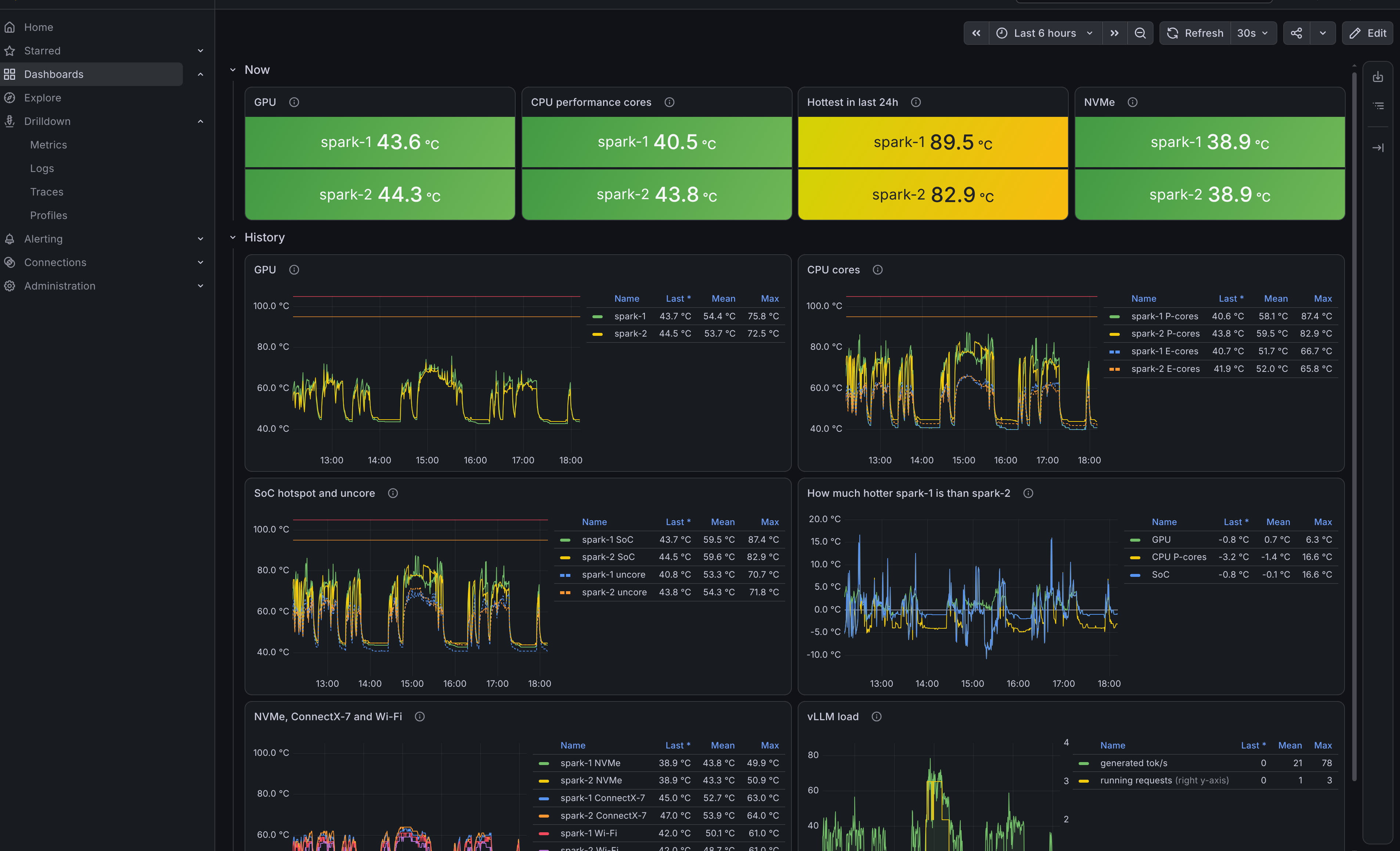
Spark temperatures in Grafana
What it’s like to use
To me, it feels like using Claude Sonnet. The speed is great, and the large context helps a lot with long prompts.
Conclusion
So, is it worth it? If you only care about getting the best model for your money, no. But I now have a 1M-context model running at home, an agent that can run anything without me worrying about it, and a cluster with datacenter networking to experiment with. For me, that’s worth it.
Credits
- The DGX Spark Handbook by 0xSero and EXO Labs, a great guide to running and linking Sparks
- eugr/spark-vllm-docker for running vLLM across DGX Sparks
- agjs/gb10-clock-cap for the clock cap and its measurements
- microvm.nix
- Paseo